 PivotSnap
1
Reversal context
Spot structure shifts without cluttering your chart.
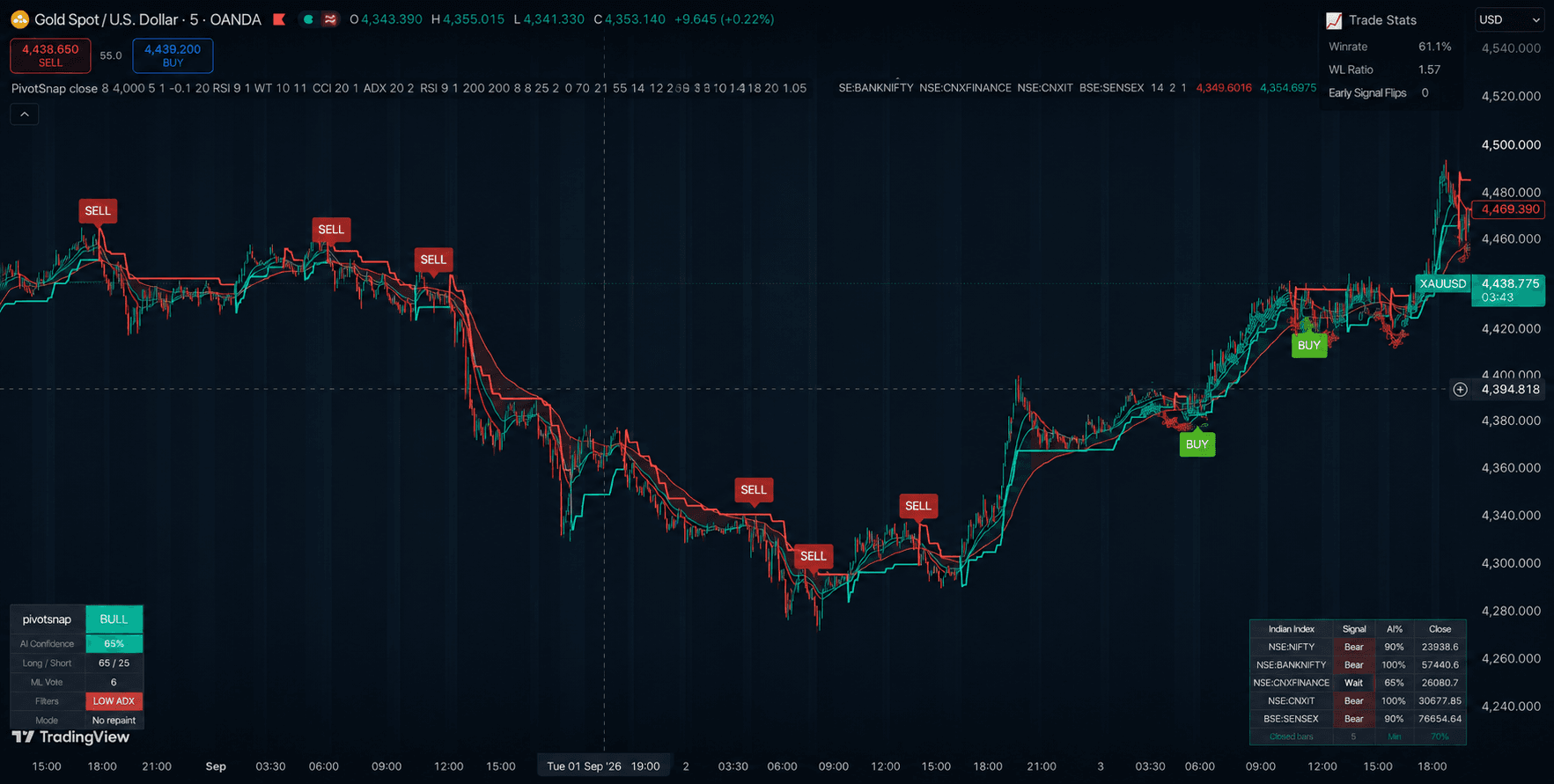
PivotSnap is built for traders who want quick visual context around potential reversal zones, entries, exits, and buy/sell signals inside TradingView.
Spot trend reversals, confirm entries, and plan exits with a TradingView indicator built for buy and sell signals. Built as a clean SaaS-quality product page for traders who want faster setup review without overpromised outcomes.
3-step
signal workflow
$10
one-time purchase
Pine Script delivery
Why PivotSnap
The homepage now presents PivotSnap like a focused SaaS product: clear positioning, visual proof, workflow, use cases, and risk-aware conversion paths to demo and pricing.
Reversal context
PivotSnap is built for traders who want quick visual context around potential reversal zones, entries, exits, and buy/sell signals inside TradingView.
Entry discipline
Use signal conditions as a consistent prompt to review trend, market structure, invalidation, and risk before you take a trade.
Simple ownership
No bloated dashboard or subscription maze. Purchase once for $10 and follow the setup email to add PivotSnap to TradingView.
PivotSnap chart preview
BTCUSD · 1H · TradingView
Trend check
Reversal zone
Exit plan
Visual system
PivotSnap's website now supports the product story with dashboard-style visuals and custom UI motifs. These are SVG/CSS mockups today, and can later be replaced with real TradingView screenshots or generated product imagery.
Workflow
01
Add the Pine Script indicator to your TradingView chart and choose the market/timeframe you already trade.
02
Watch for reversal, entry, exit, and buy/sell conditions to line up with your own trading plan.
03
Use your risk model, stop placement, and confirmation checklist. PivotSnap supports decisions; it does not replace them.
Offer
Get PivotSnap delivered by email and start testing it inside your own TradingView setup.
Pine Script delivery, setup email, and beginner-friendly instructions.
Traders who want clearer reversal, entry, exit, and buy/sell signal context.
No managed account, financial advice, or guaranteed trading performance.
Watch the demo first if you want to preview the workflow before checkout.